How to pay for a plan in the Dolphin {anty} app
The option to pay or update the plan directly in the application is available. To do this, click the payment icon in the application menu. ⬇️
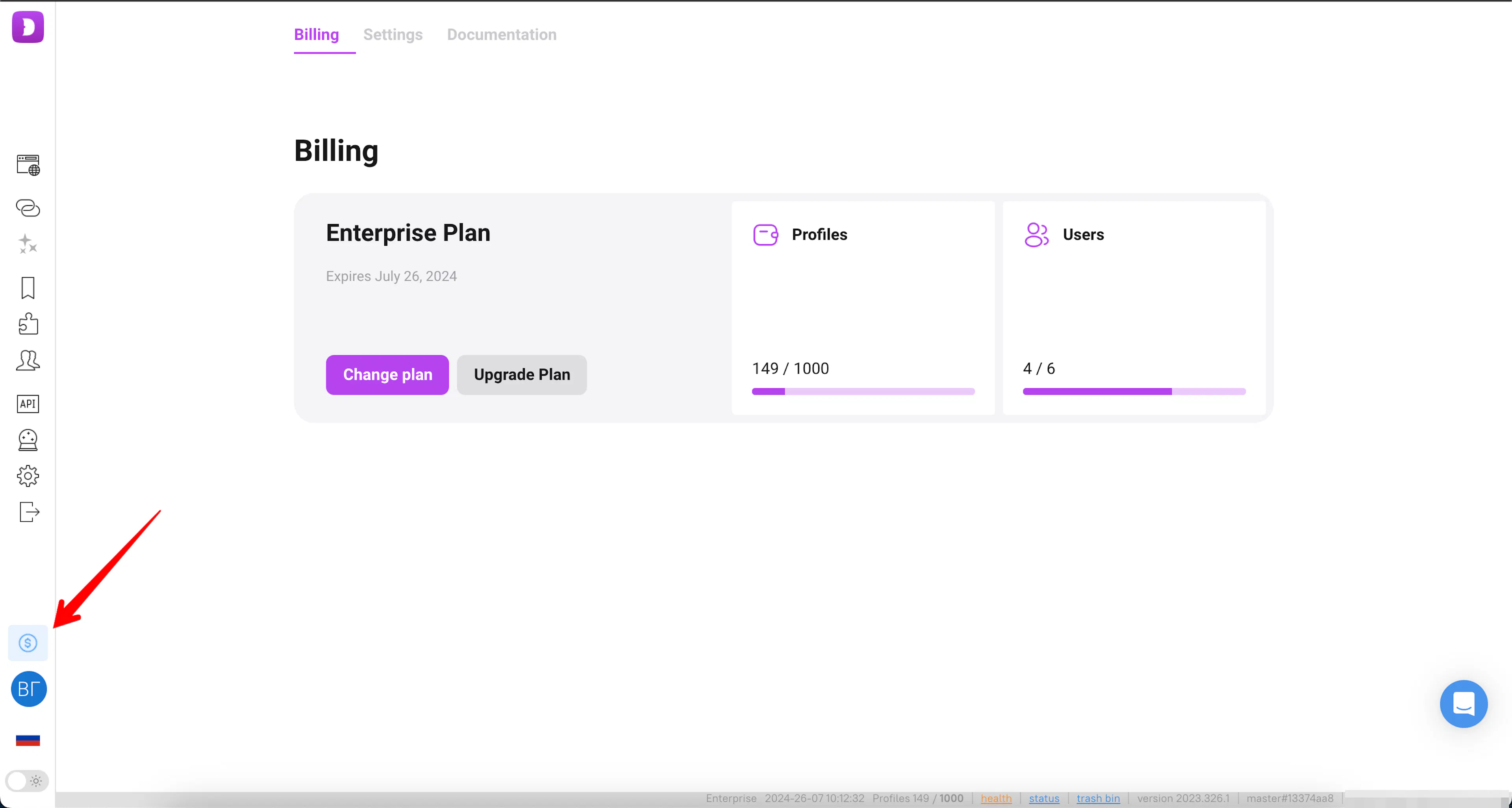
Here will be a full description of the current plan ⬇️
- Name of the current plan;
- Expiration date of the plan;
- How many profiles added/available;
- How many users added/available;
- Button to change the plan;
- Button to update the plan;
- Subscription and the "Cancel subscription" button, if the subscription is enabled (visible to the team owner and the teamlead).
Change plan 🔀
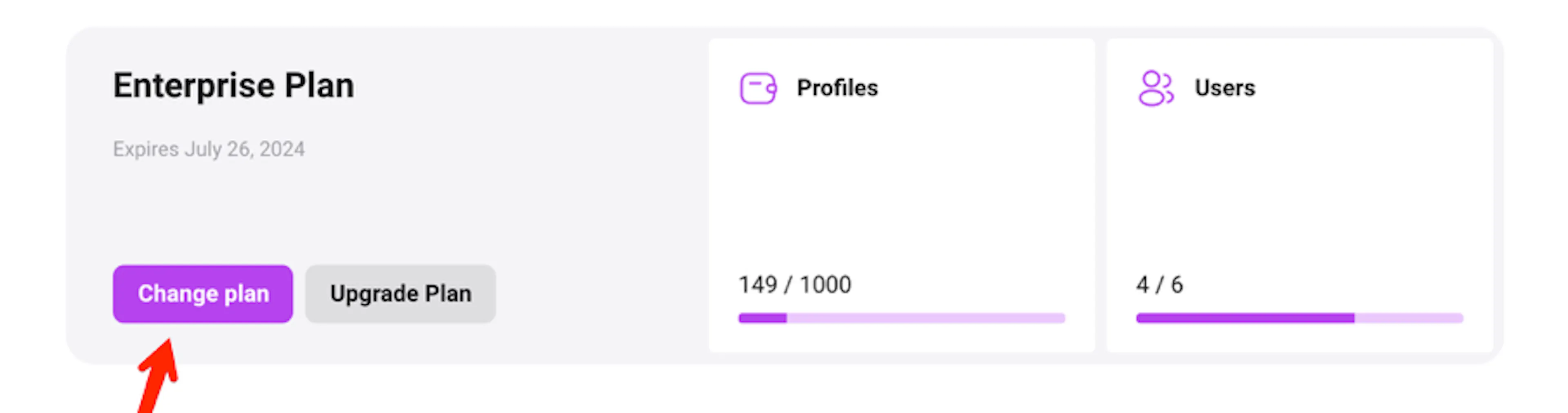
To change the current plan - whether to a more expensive or cheaper one, or to increase or decrease the number of additional users - the following actions are required ⬇️.
- Click Change plan;
- After that, a window with plans will open, allowing you to choose a new plan or change the current one. The parameters of the current tariff will be displayed immediately:
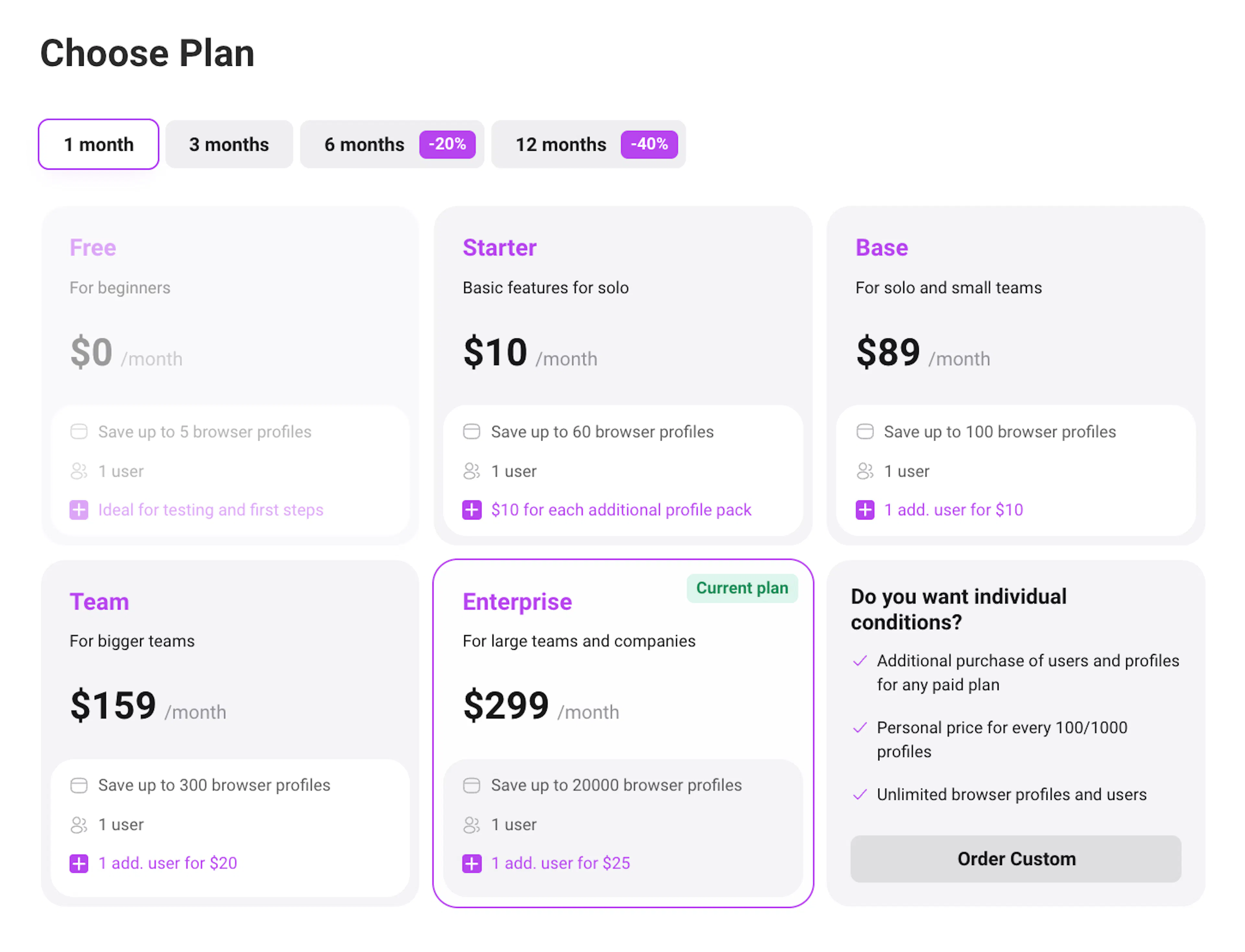
- After selecting the desired plan, you can increase/decrease the number of profiles (only in Starter and Enterprise plan) or additional users or select individual conditions.
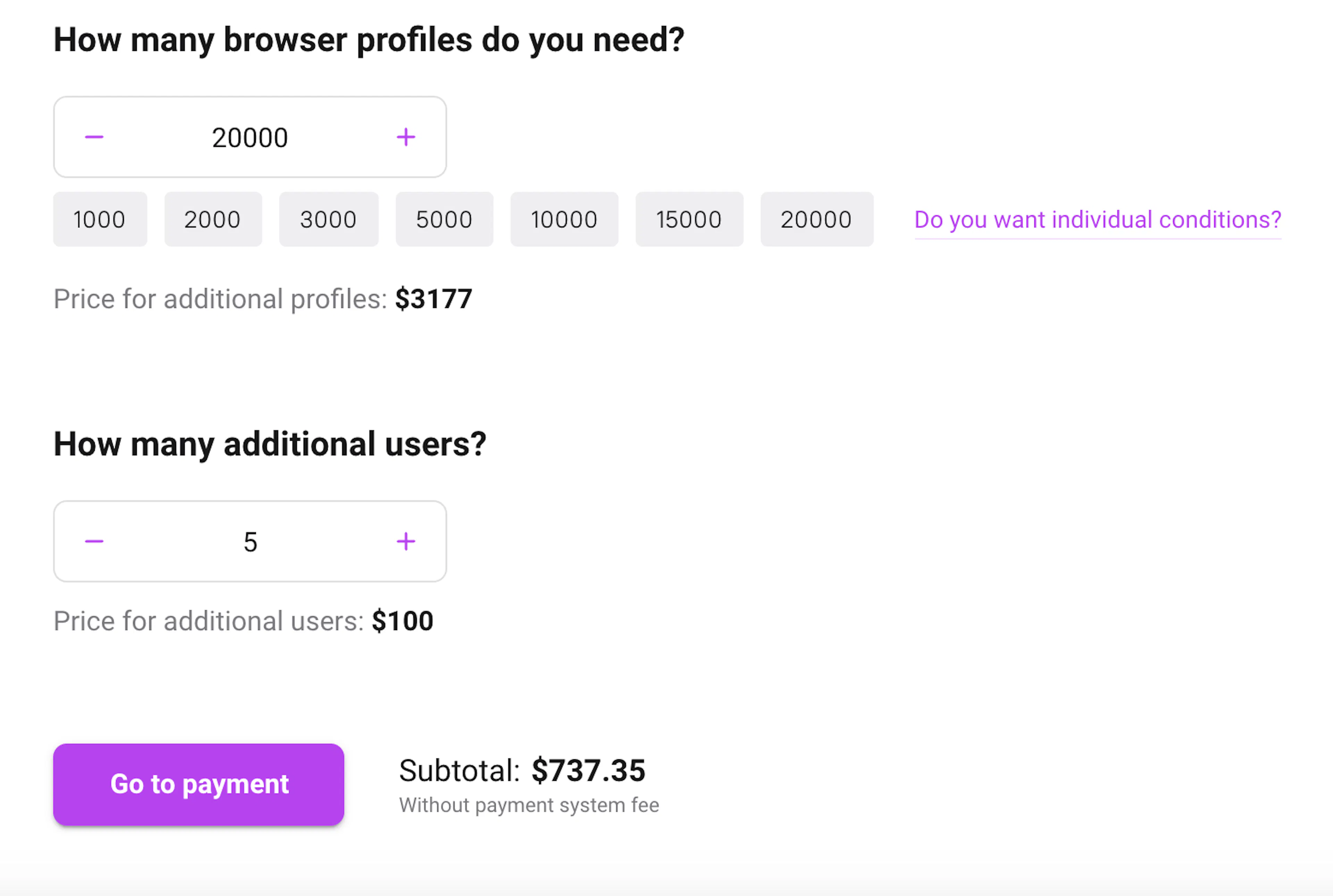
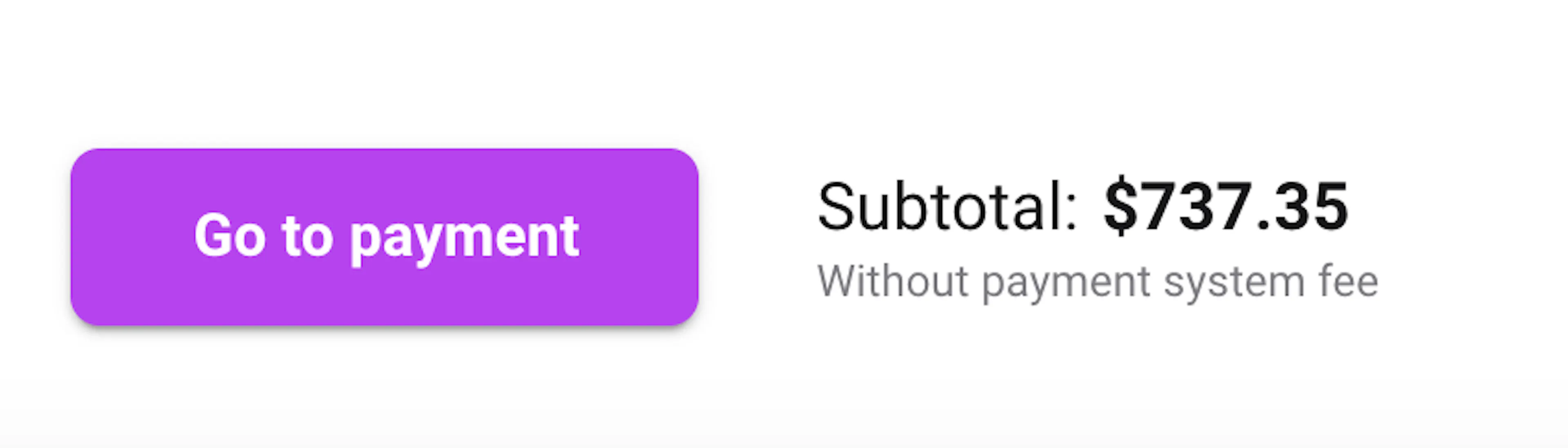
- Next, you need to press Go to payment. If there is a balance from the already paid plan, a recalculation will show whether an additional payment is necessary and what the final amount is.
❗️Important - the sum is displayed without commission of the payment system.
Next - Save, if after recalculation of already paid days no additional payment is required, in this case the plan will be recalculated against the balance of days. For example: There were paid 464 days 0 additional users.
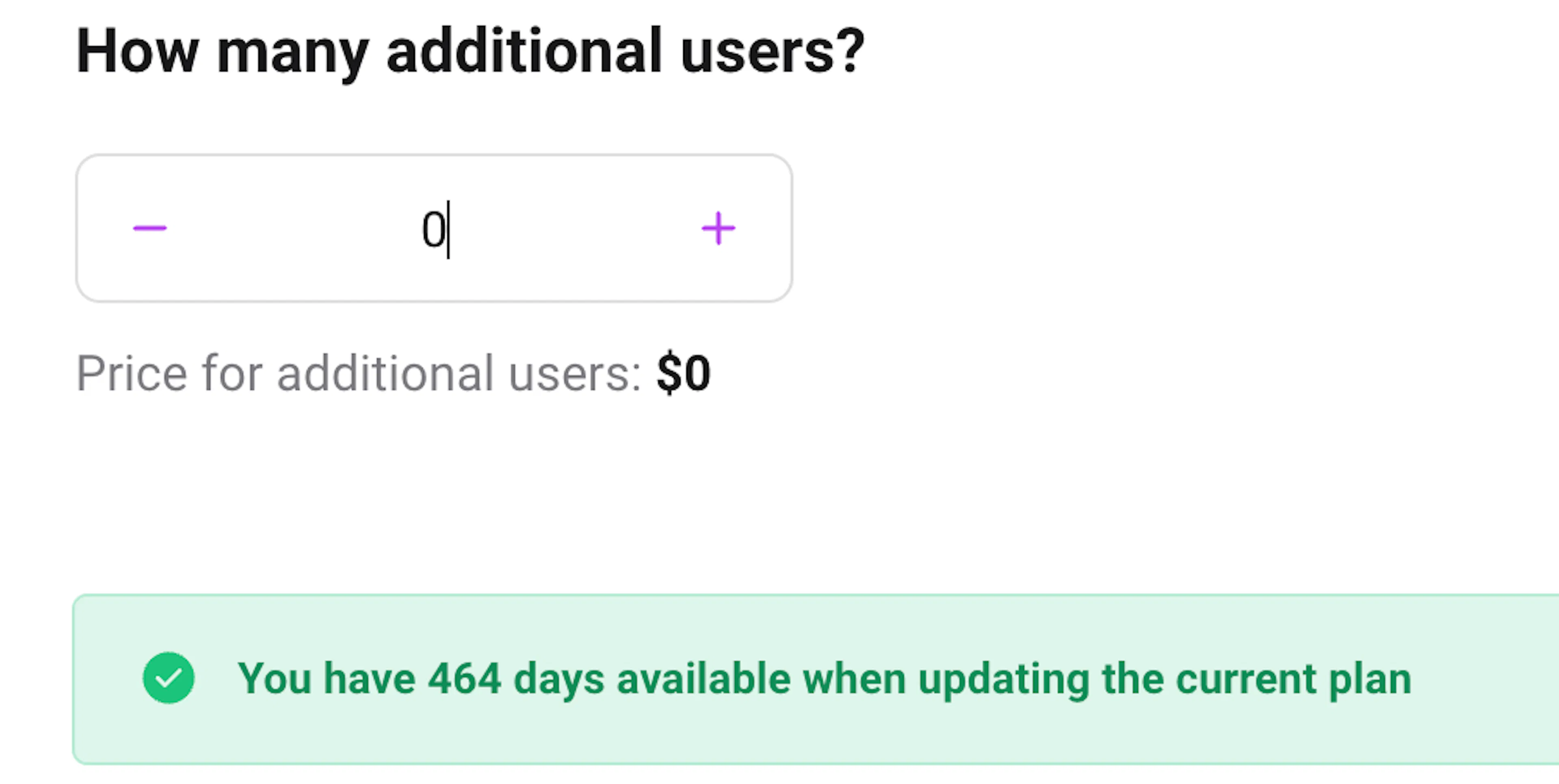
And after adding 5 additional users, it became 245 days.
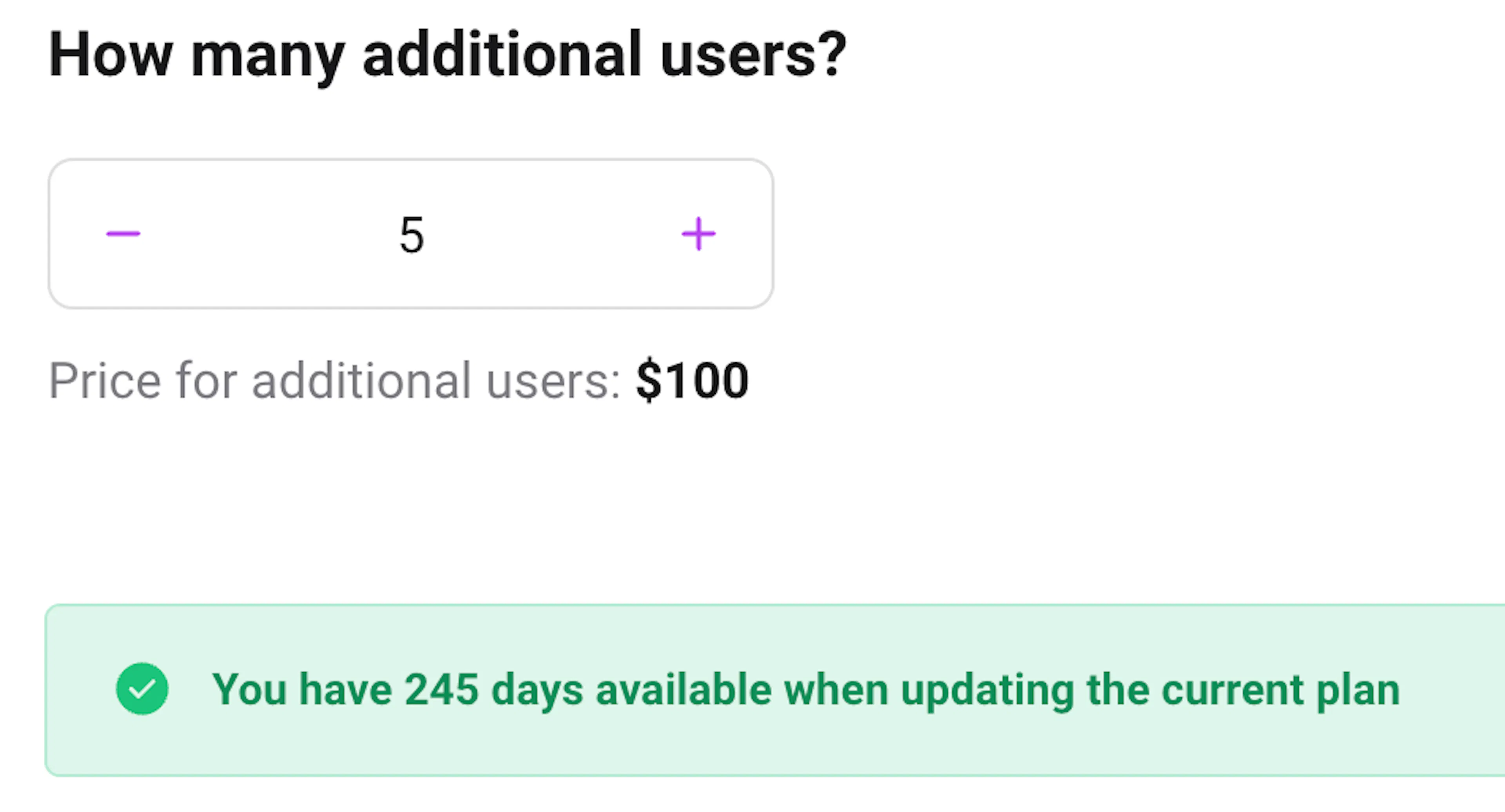
- After that, you can choose the most convenient method of payment and the term for which you pay the selected plan, there will be already indicated the commission of the payment system.
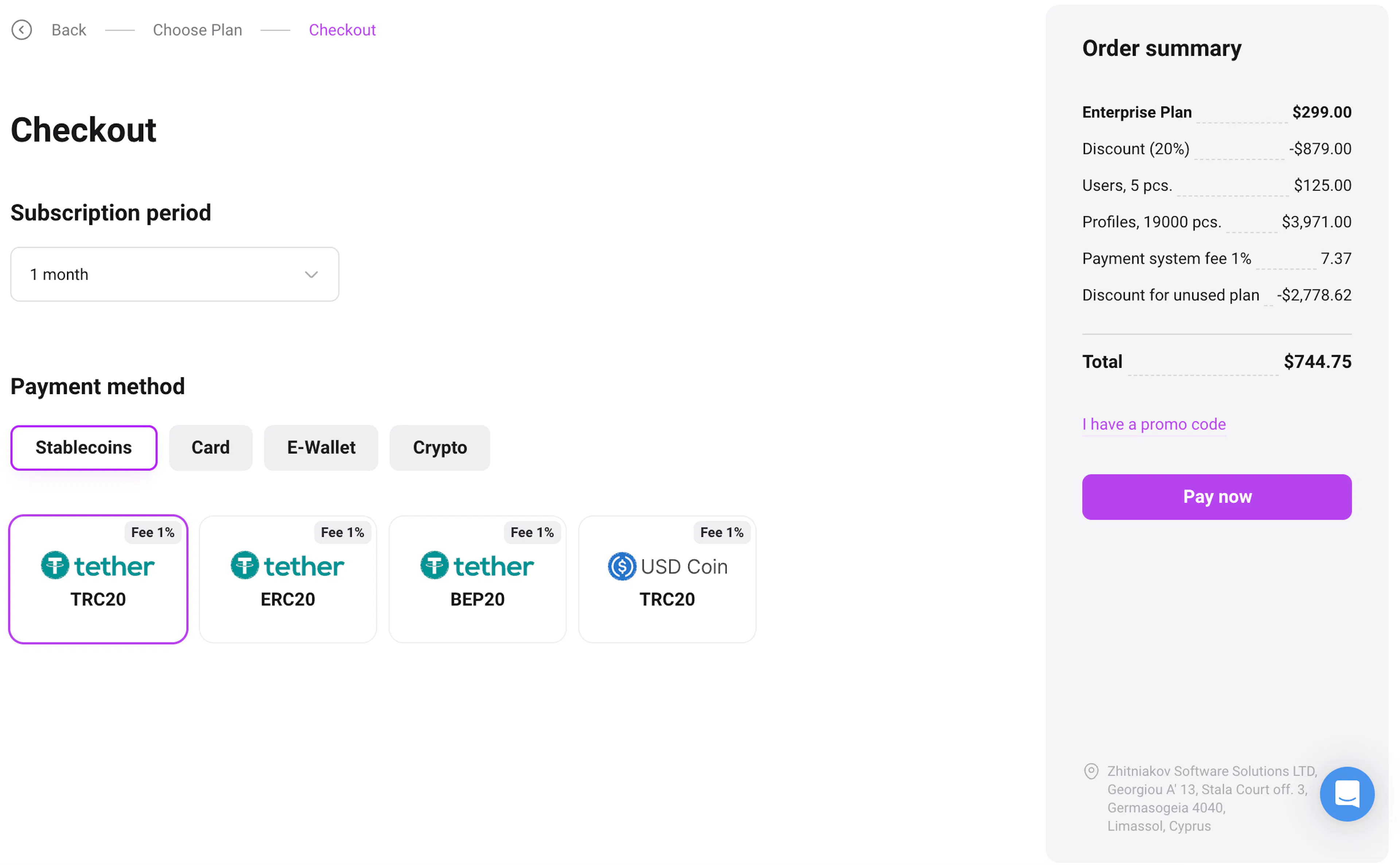
- If you want the plan to renew automatically, turn on the "Activate subscription" switch. You can cancel the subscription in the same "Payments" section with the "Cancel subscription" button. More details: "Subscription and auto-renewal"
- Then the button Pay now, it will redirect to the payment page of the payment system.
- In this window you can track the payment by plan.
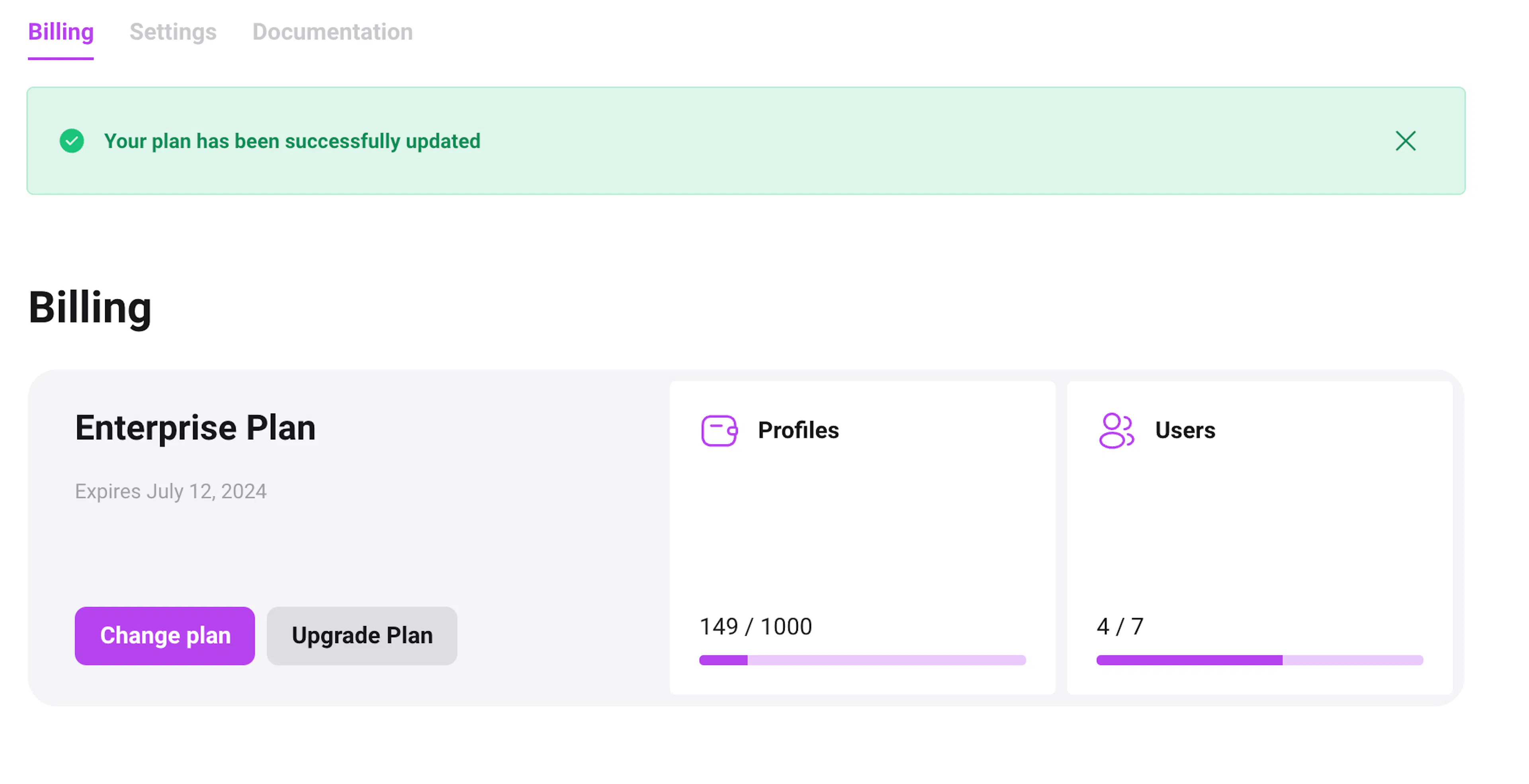
In order to switch to a free plan up to 3 profiles, you need to perform all the actions specified above to change the plan, but select the Free plan and 3 profiles. After that, click “Save” and agree that the current paid plan (if paid) will be canceled when switching to the free plan.
Update plan 🔄
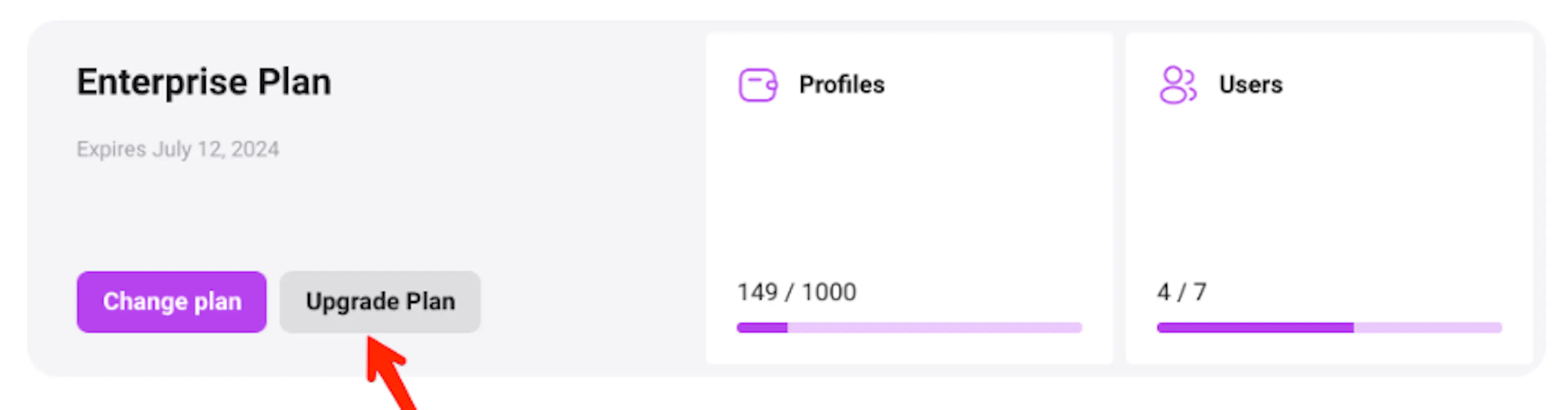
This function is for changing the parameters of the current plan.
It is possible to update the plan with or without additional payment for the period, if there are enough paid plan days after automatic recalculation to change the parameters.
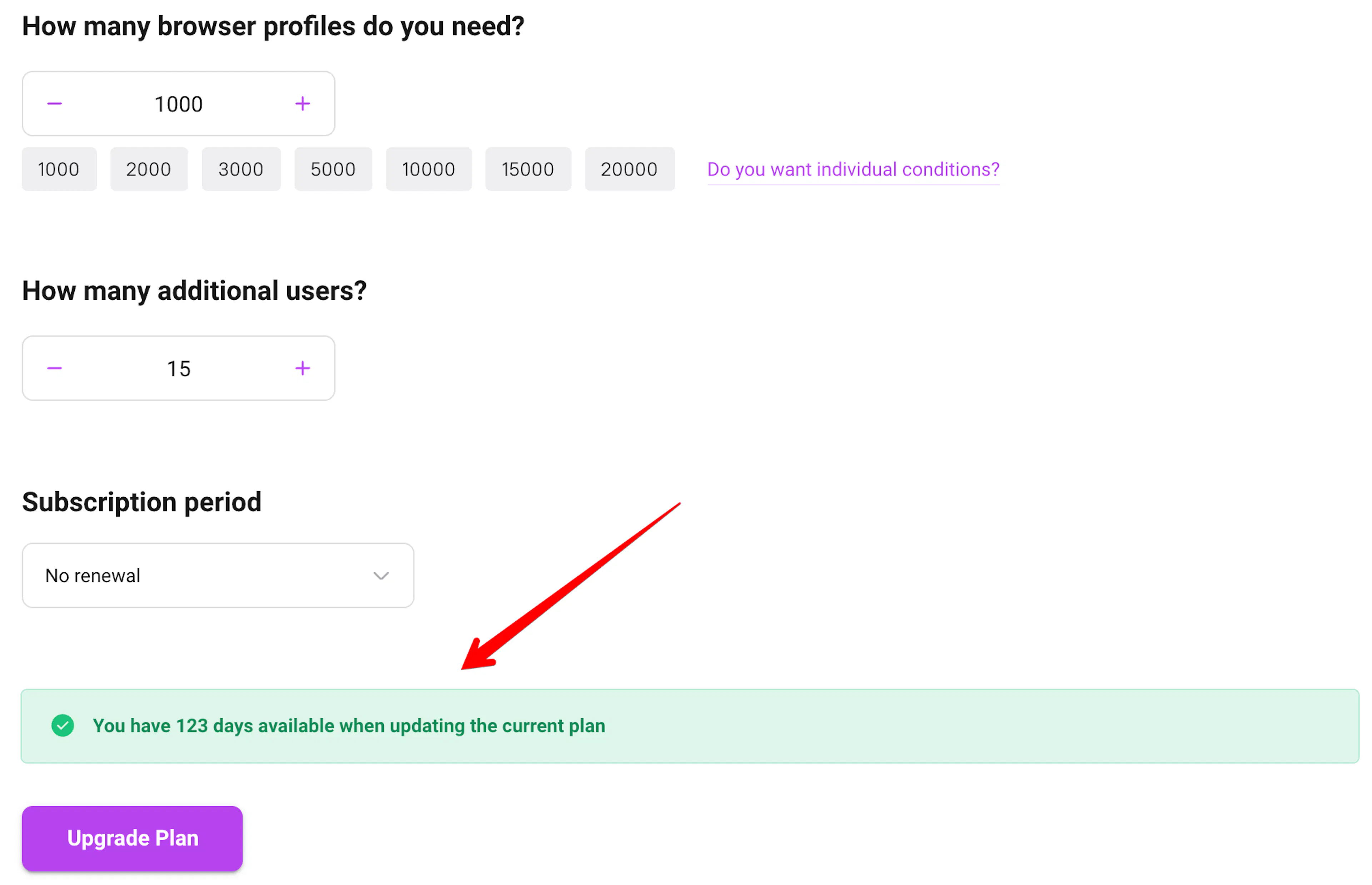
⚠️ Important Free change/renewal of plan (recalculation of days to new conditions) is available only 3 times a month, after which the plan can only be changed to a more expensive one, or with an renewal.
Individual plan conditions 🤝🏻
To get the plan on individual terms, please write us in this Telegram: @dolphin_anty_account